
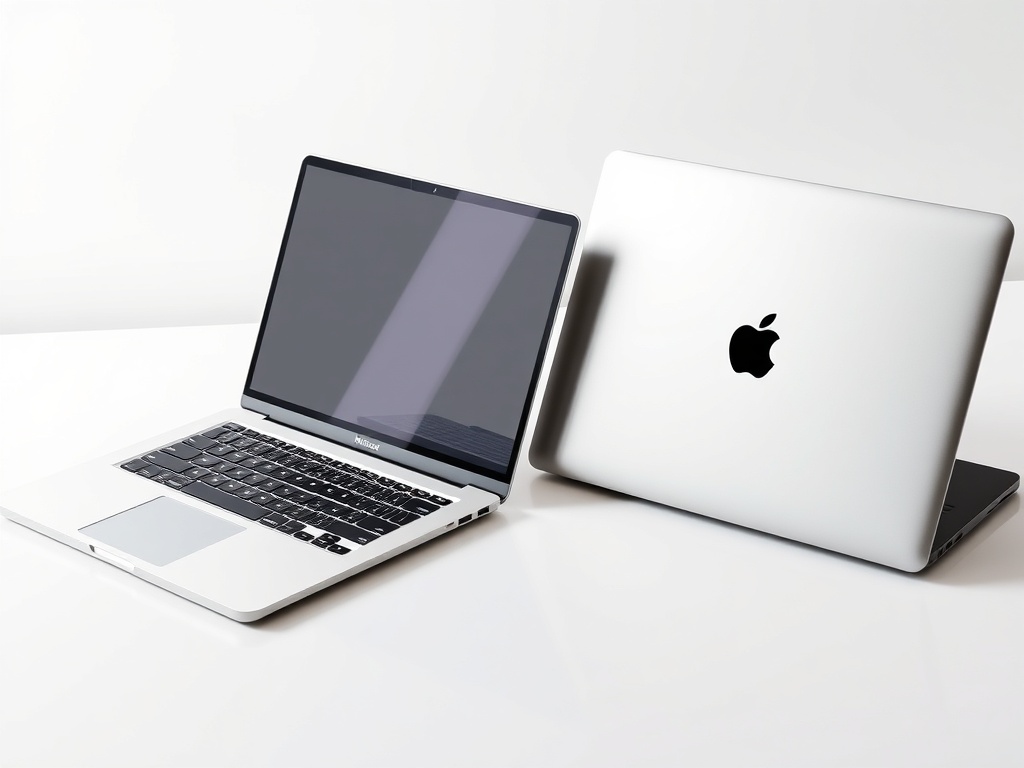
Choosing between Mac and Windows depends on your needs, budget, and workflow. Mac systems are known for premium design, strong security, smooth optimization, and seamless ecosystem integration. Windows PCs offer greater hardware variety, stronger gaming support, wider software compatibility, and more affordable options. If you value stability and creative performance, Mac is ideal. If customization, flexibility, and cost-efficiency matter more, Windows is the smarter choice.
In 2026, selecting the right computer requires a balance between performance, usability, ecosystem integration, and long-term value. Apple’s macOS devices are designed for optimized hardware-software performance, offering smooth multitasking, strong battery life, and creative efficiency. Windows-based computers dominate global markets due to their flexibility, upgrade options, and compatibility with enterprise and gaming software. Both platforms now provide advanced security systems and powerful processors suitable for modern workloads. Your ideal choice depends on whether you prioritize design consistency and ecosystem benefits or affordability and hardware diversity. This comprehensive comparison explores every major factor to help you make a confident buying decision.
Design, Build Quality, and Aesthetic Appeal
Apple devices are recognized for their sleek aluminum construction, minimalist design language, and consistent premium feel. The company focuses heavily on portability, durability, and visual elegance, making its laptops popular among professionals and students who value refined aesthetics. Windows manufacturers, on the other hand, offer a vast range of design choices, from ultra-light business notebooks to high-performance gaming laptops with bold styling. This diversity allows buyers to choose according to performance needs and visual preferences. While Apple emphasizes uniformity and brand identity, Windows PCs provide greater physical customization across different price segments.
Operating System Experience
macOS delivers a streamlined and polished user interface designed for simplicity and efficiency. System animations are smooth, navigation is intuitive, and built-in applications integrate seamlessly. Windows offers deeper customization options, broader compatibility with legacy software, and strong enterprise-level management tools. Many users appreciate Windows for its flexibility and personalization features, while others prefer the clean and distraction-free layout of macOS. The choice often depends on familiarity and how much control you want over system configuration, productivity features, and personalization settings.
Performance and Speed
Apple’s in-house silicon chips are optimized specifically for macOS, resulting in efficient multitasking and strong battery performance. The integration between hardware and software allows consistent speed across daily tasks and professional workflows. Windows PCs use a variety of processors and configurations, giving users the freedom to scale performance depending on their needs. High-end Windows systems can outperform many competitors in gaming, 3D rendering, and demanding computational tasks. However, Apple devices often provide more predictable performance over time due to tight system optimization and efficient resource management.
Software Compatibility
Creative applications such as video editing, music production, and graphic design tools are highly optimized on macOS, making it popular among designers and media professionals. Windows, however, supports a wider ecosystem of enterprise programs, engineering tools, and gaming software. Many corporate environments rely heavily on Windows systems because of compatibility with specialized business applications. Before making a purchase, users should carefully evaluate which operating system supports the essential software required for their workflow, ensuring productivity without limitations.
Gaming Capabilities
Windows remains the leading platform for gaming because it supports a broad range of graphics cards and gaming hardware configurations. Gamers benefit from customizable components, higher refresh rate displays, and access to extensive game libraries. Apple devices have improved gaming support but are still primarily designed for productivity and creative tasks. Competitive gamers and performance enthusiasts typically prefer Windows PCs for their hardware scalability and compatibility with the latest titles. For casual gaming, both platforms can deliver a satisfactory experience.
Security and Privacy
macOS is often praised for strong built-in security features and a controlled ecosystem that reduces exposure to malware threats. Windows has significantly improved its security framework with real-time protection, encryption, and frequent updates. Both systems now include biometric authentication, firewall protection, and regular software patches. Ultimately, user behavior plays a crucial role in maintaining security. Safe browsing practices and regular updates ensure both platforms remain secure in personal and professional environments.
Ecosystem Integration
Apple devices integrate seamlessly with iPhone, iPad, and other Apple products, allowing file sharing, call syncing, and cross-device productivity. This ecosystem continuity enhances workflow efficiency for users already invested in Apple products. Windows systems integrate effectively with Microsoft services such as cloud storage, productivity suites, and Android connectivity. If you rely heavily on multi-device interaction, ecosystem compatibility can significantly influence your overall user experience and daily convenience.
Pricing and Budget Flexibility
Apple products are generally positioned at a premium price point, reflecting their build quality and ecosystem benefits. Customization options are limited at purchase, and hardware upgrades are often restricted. Windows PCs, however, are available across a wide range of budgets, from entry-level devices to high-performance workstations. This pricing flexibility makes Windows attractive for students, startups, and businesses looking for cost-effective solutions without sacrificing performance.
Upgrade and Customization Options
Windows PCs typically offer easier hardware upgrades, including RAM expansion and storage replacement. This flexibility allows users to extend device lifespan and adapt performance to changing needs. Apple devices focus on integrated designs, which limit internal upgrades but enhance structural durability and optimization. Buyers who prioritize long-term hardware flexibility often lean toward Windows systems, while those who prefer streamlined integration may favor Apple devices.
Battery Life and Portability
Apple laptops are widely recognized for their consistent battery performance and efficient power management. Users often experience long usage hours without frequent charging, making them suitable for travel and remote work. Windows battery life varies depending on manufacturer and configuration, but premium ultrabooks compete closely in efficiency. Portability also depends on device weight, screen size, and build materials. Both platforms now offer lightweight options for professionals on the move.
Professional Productivity
Both operating systems support multitasking, cloud collaboration, and productivity applications. Windows dominates traditional corporate environments due to compatibility with enterprise systems and IT infrastructure. Apple devices are popular in creative industries where performance optimization for media tasks is essential. Productivity ultimately depends on workflow requirements, preferred software, and collaboration tools used within your organization or academic institution.
Longevity and Resale Value
Apple devices often maintain higher resale value due to brand perception and extended software support. Many older models continue receiving system updates for years, increasing longevity. Windows PCs may depreciate faster depending on brand and hardware, though premium business laptops can also provide long-term durability. Maintenance, usage habits, and build quality significantly influence how long a computer remains reliable and valuable.
Also read this: Woolrec: Your Complete Guide to Eco-Friendly & Sustainable Wool Products
Customer Support and Service
Apple provides centralized service through official stores and authorized centers, ensuring consistent repair standards and warranty handling. Windows support varies by manufacturer, meaning service experience depends on the chosen brand. Some high-end Windows manufacturers provide excellent warranty coverage, while budget brands may offer limited after-sales service. Checking warranty policies and repair accessibility before purchasing is always recommended.
Learning Curve and Ease of Use
macOS is often considered beginner-friendly due to its clean layout and simplified system management. Windows provides greater customization but may require more configuration for advanced settings. Many users are already familiar with Windows because it is widely used in schools and offices. Switching between platforms may involve a short adjustment period, but both systems are designed to be user-accessible.
Final Conclusion
Choosing between these two platforms ultimately depends on your personal and professional priorities. If you value premium design, smooth optimization, and strong ecosystem integration, Apple’s platform is an excellent investment. If affordability, hardware variety, gaming performance, and enterprise compatibility matter more, Windows offers greater flexibility. Evaluate your workload, software requirements, and long-term goals before making a decision to ensure your computer supports your productivity for years to come.
FAQs
1. Which is better for students?
Windows laptops are generally more affordable, while Apple devices offer strong battery life and reliable performance for academic work.
2. Which platform is best for gaming?
Windows remains the stronger choice for gaming due to broader hardware compatibility and larger game libraries.
3. Are Macs more secure?
Both platforms offer strong security features, but safe browsing habits and updates are essential regardless of system choice.
4. Which computer lasts longer?
Apple devices often retain value longer, though high-quality Windows laptops can also provide extended durability.
5. Is software compatibility better on Windows?
Yes, Windows typically supports a wider range of enterprise and specialized software applications.
6. Can hardware be upgraded easily?
Windows PCs usually allow easier upgrades, while Apple devices focus on integrated, non-modular designs.
7. Which is better for creative professionals?
Many creative professionals prefer macOS for optimized design and media tools, though Windows systems can also handle creative workloads effectively.
For more info: voxvison.com
